Gaming PC vs. Workstation
Black Label IT Client • May 18, 2025
Which One Do You Need?
What is a Gaming PC?
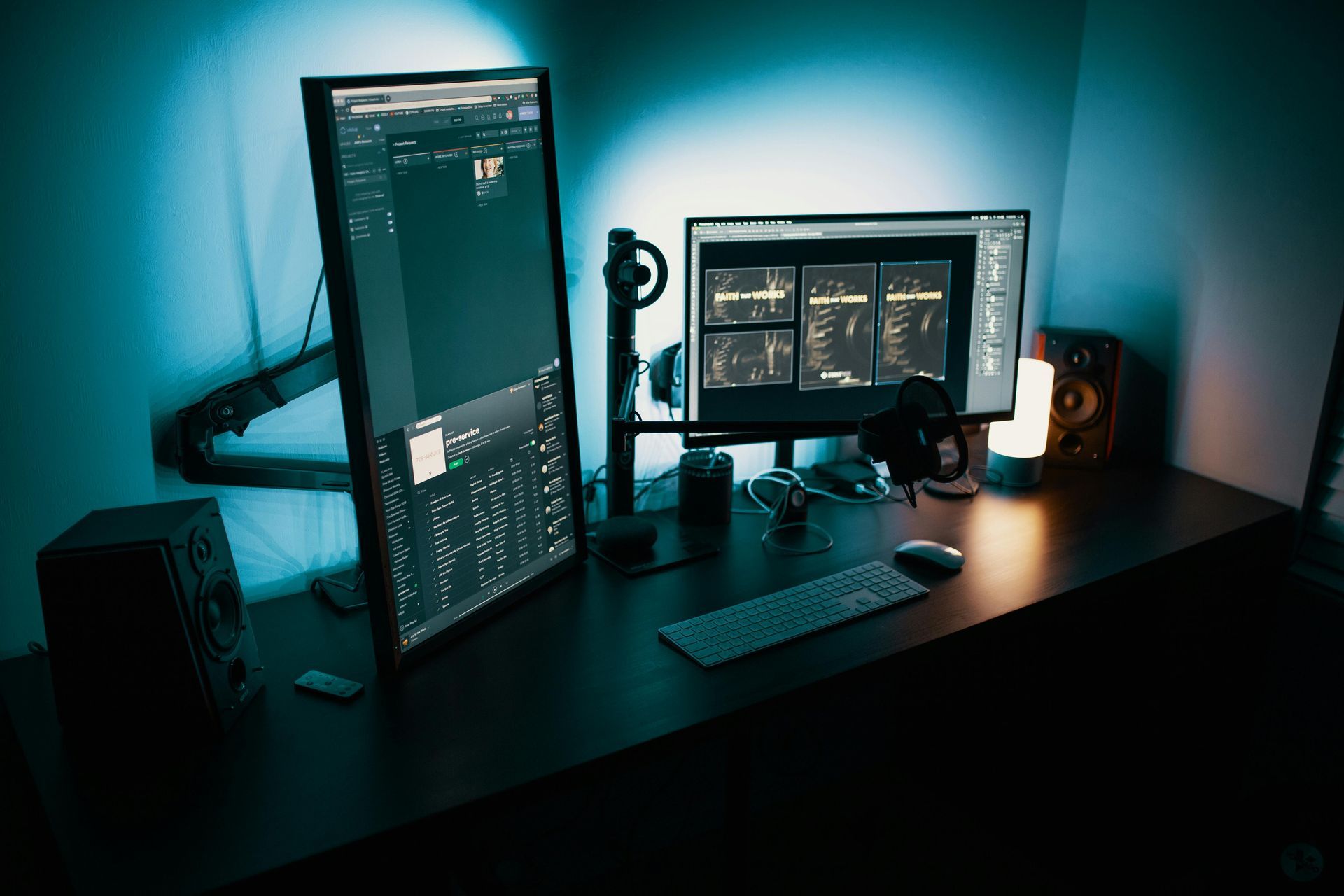
A Gaming PC is designed for speed, responsiveness, and handling demanding graphics in real time. It’s built to run games smoothly with high frame rates and rich visuals.
Key Features:
- High-end graphics card (GPU) for gaming performance
- Fast CPU for game logic and smooth multitasking
- RGB lighting and flashy cases (often, but optional)
- Optimized for DirectX and real-time performance
Best For:
- Playing modern video games
- Streaming while gaming
- Light content creation (video editing, Photoshop, etc.)
What is a Workstation?
A Workstation is built for professional workloads. It’s optimized for stability, multitasking, and running high-performance applications like 3D modeling, video rendering, scientific computing, or CAD software.
Key Features:
- Professional-grade GPU (like NVIDIA Quadro or AMD Radeon Pro)
- More RAM and CPU cores for multitasking and heavy applications
- ECC RAM (Error-Correcting Code) in some systems for reliability
- Certified drivers for programs like AutoCAD, SolidWorks, Adobe Suite, etc.
Best For:
- Engineers, designers, architects, video editors
- Scientists or data analysts
- Anyone using software that needs accuracy and stability over frame rate
How to Choose
- If you want to play games – Go with a
Gaming PC.
It’s built for speed, high-quality graphics, and smooth performance. - If you do 3D design, video editing, or CAD work – Choose a
Workstation.
It’s more stable and built for professional programs. - If you just browse the internet, use email, or do office work – Either one will work.
A basic version of a Gaming PC or Workstation is more than enough. - If you need a bit of both (gaming and work) – A powerful Gaming PC with extra RAM and a good CPU can handle both tasks.
You may not need a full workstation unless your work software specifically requires it.
Price Differences
- Gaming PCs: Generally more affordable for the performance you get in games.
- Workstations: More expensive, especially with pro GPUs and ECC memory, but better for long-term stability in professional software.

Choosing the Best Operating System for Your Needs
Understanding the Pros and Cons of Each Network Type

A Complete Guide to Choosing the Right Laptop for Your Needs
Understanding the Key Differences and Choosing the Right Storage Solution
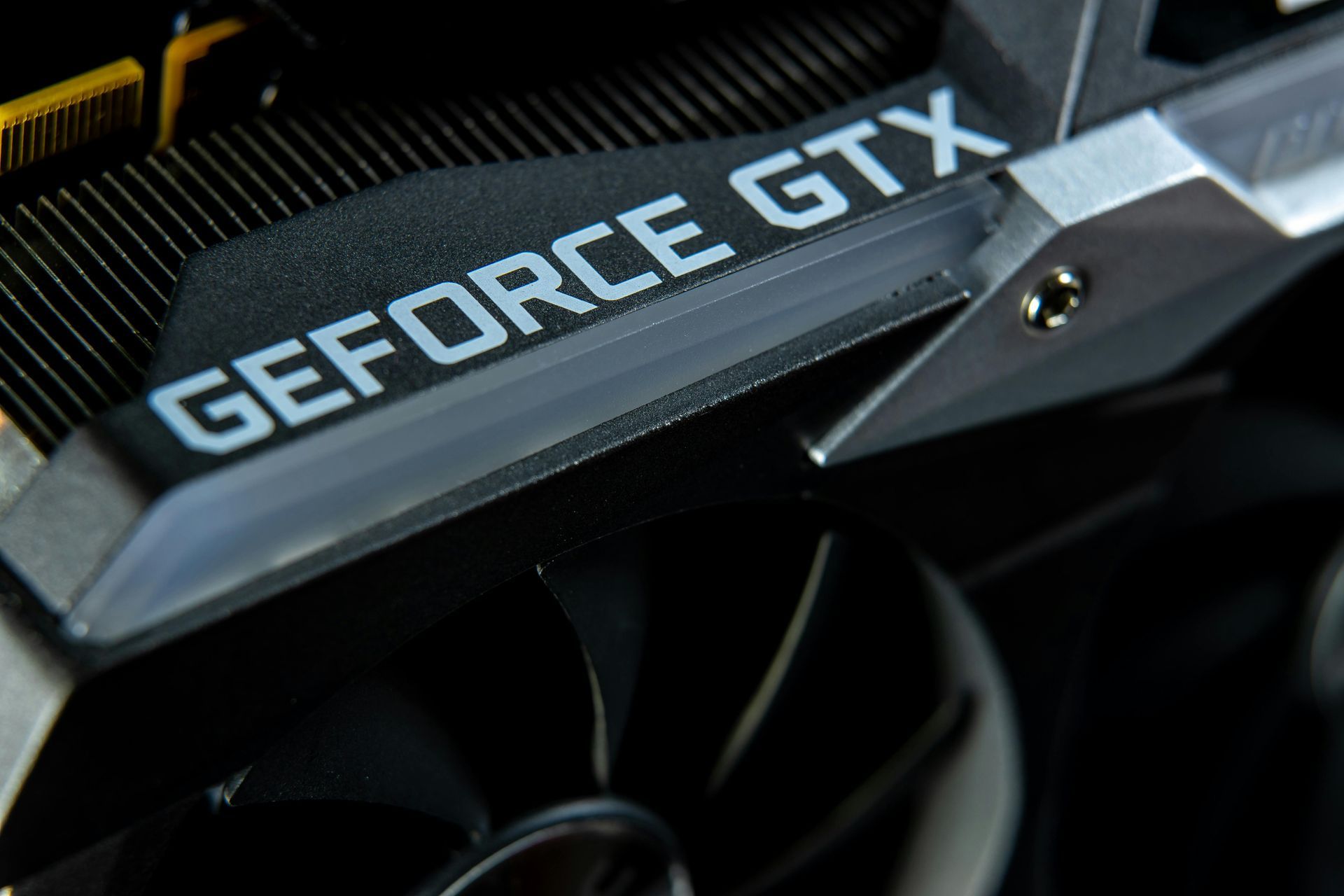
Finding the Right GPU for Your Needs
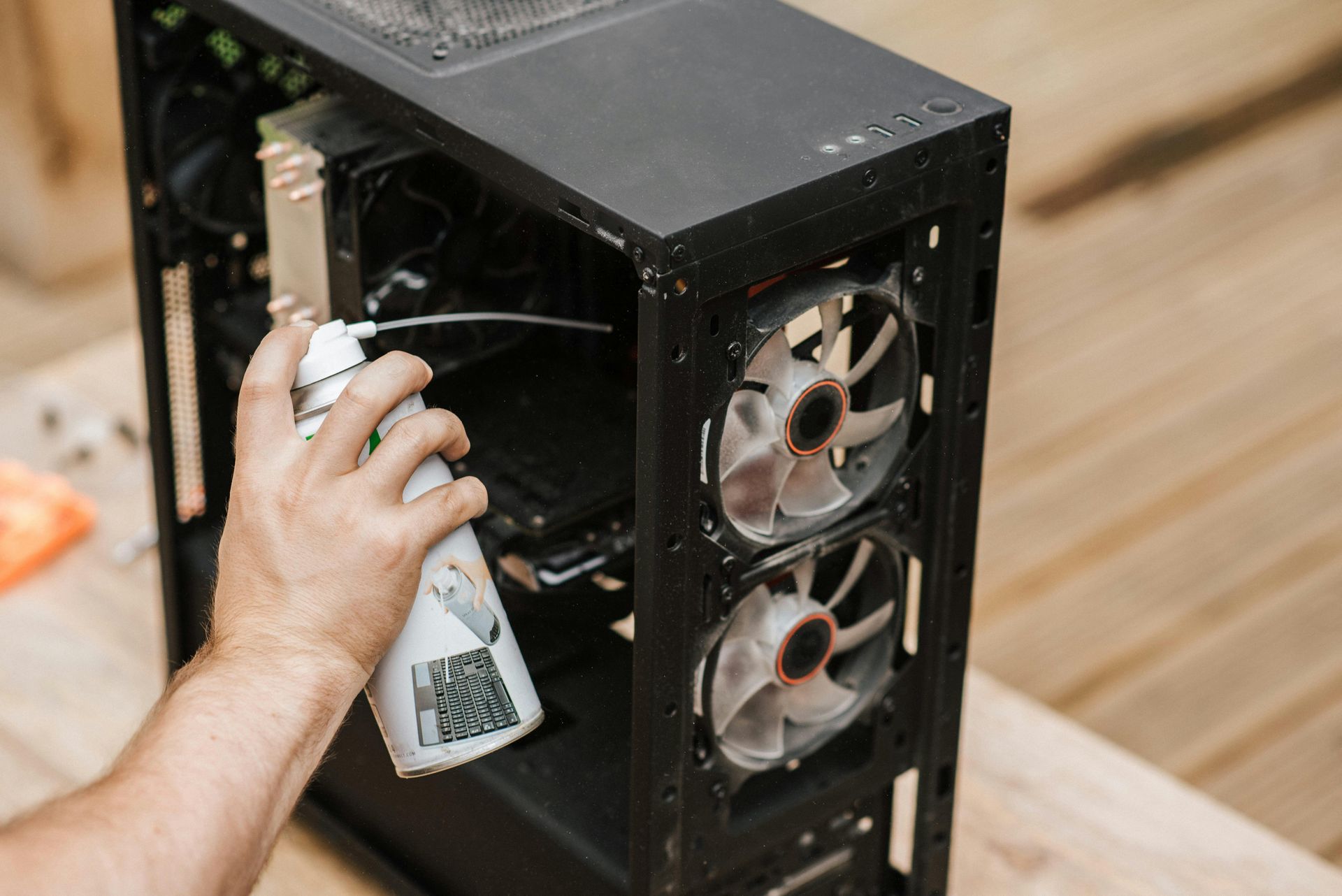
Keep Your Computer Running Smoothly and Efficiently

The Shift Towards a More Connected and Flexible Computing Experience

How Artificial Intelligence is Transforming Everyday Computing

Maximize Performance and Creativity with These Must-Have Tools

Protect Your PC with the Best Security Solutions